
Georgia Digital Curriculum
Georgia Virtual Learning provides open access to a wealth of digital curriculum materials, including over 130 full courses for grades 6-12 and supplementary core content resources for elementary education. We developed our comprehensive, standards-based curriculum as Open Educational Resources (OER) and licensed it under the CC-BY-NC Creative Commons license. Our team aligns the materials with Georgia standards and national AP guidelines, updating them each year to incorporate the latest revisions.
Our resources are available in several formats:
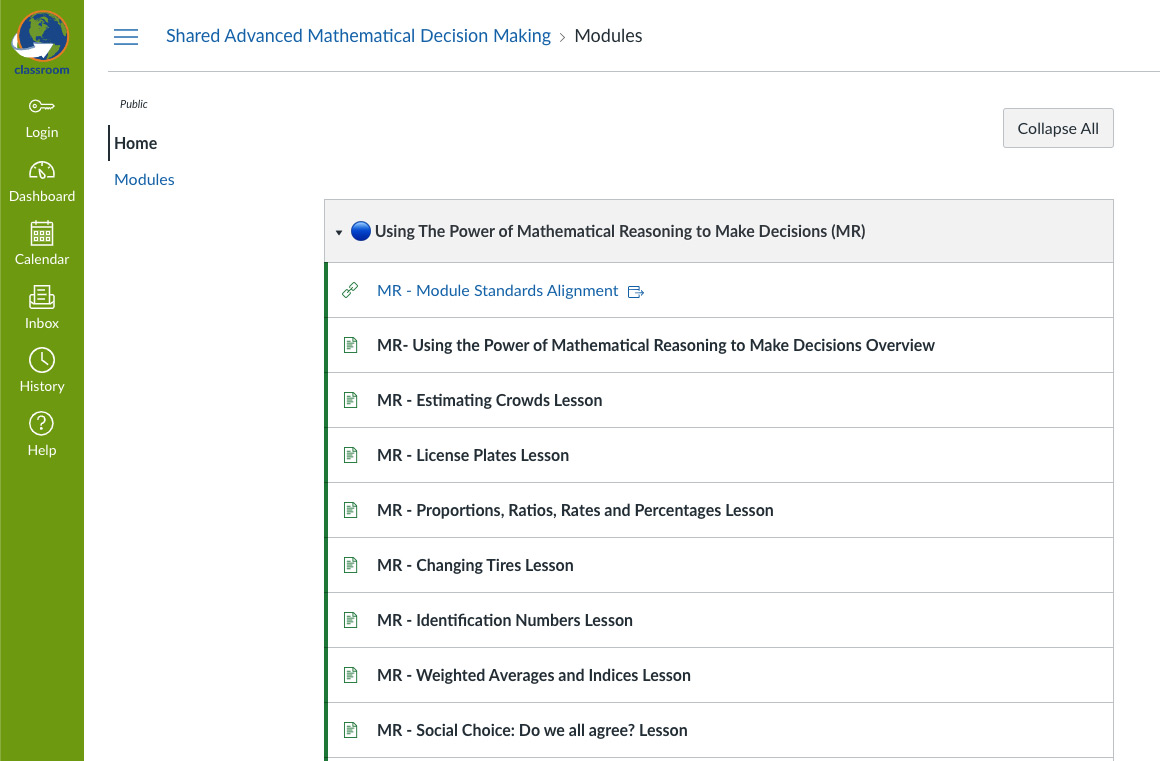
Free Educational Resources
Explore our extensive collection of digital curriculum content at no cost. Educators can easily share links to specific courses and lessons or copy and paste material directly from our website. For detailed licensing information, please refer to our Terms of Use.
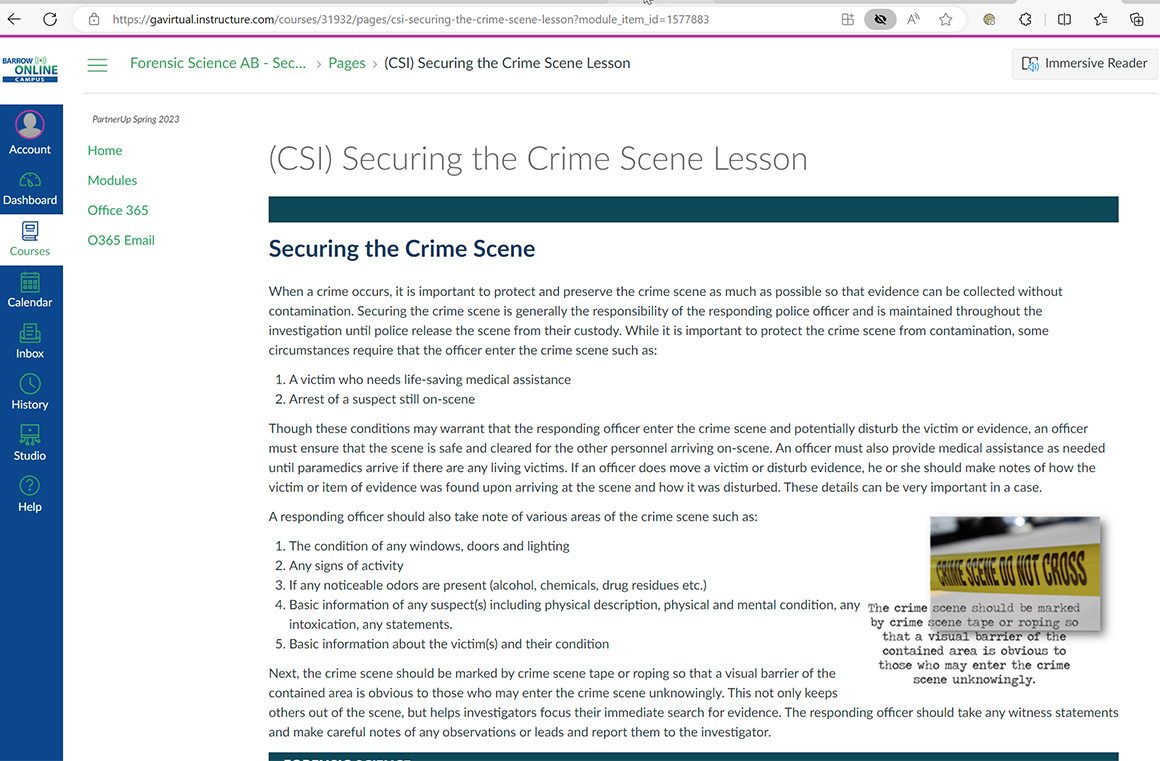
Ga-Digital Download Content
Georgia public school principals or district leaders can access Ga-Digital Download Content exclusively through an application process. The Ga-Digital Download Content features a downloadable Common Cartridge version of course material. These courses can be downloaded, customized, and integrated into your learning management system.
Canvas Course Download Access Application
For questions, contact us at esource@gavirtualschool.org.
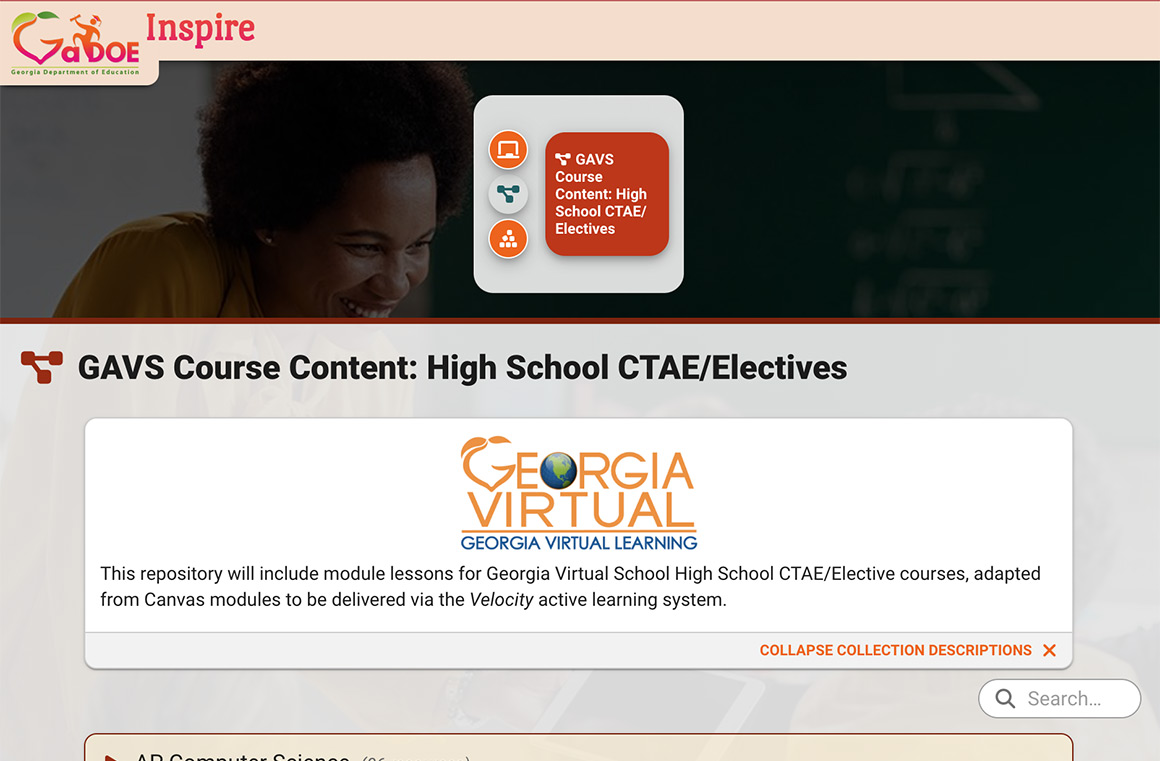
GaDOE Inspire
This repository showcases individual module lessons adapted from Canvas modules and delivered through the Velocity active learning system. The Velocity version incorporates an activity-based approach to the same curriculum material found in our Digital Curriculum. Georgia educators can customize the content through a log-in to Inspire.
Georgia Digital Curriculum FAQs
These are the top 3 Georgia Digital Curriculum frequently asked questions.
View a sample of the Public Course Format. (For optimal viewing, use Chrome.)
- Access for Georgia Educators: To customize or use the content with students (beyond demo mode), you must be logged into Georgia Inspire. All Georgia educators can access Inspire either through the Statewide Longitudinal Data System (SLDS) or via an external sign-in if they do not have SLDS access. Find out more about Inspire access for Georgia educators!
- Results and Integration: For detailed results per student, educators need to be logged into Inspire or have their district’s Velocity connected to their learning management system (such as Canvas or Schoology).
Georgia Virtual Digital Curriculum can enhance learning in various ways, including:
- Classroom Inspiration: Provides topics or angles to explore.
- Remediation and Enrichment: Offers targeted support and advanced opportunities for students.
- Summer Learning: Helps bridge the summer gap with continued educational activities.
- Accessible Content: We strive to align every resource with WCAG 2.2 Web Content Accessibility standards, including
- Alt text for non-text content
- Labels and headings that offer clear direction
- Closed Captioning for videos
- Mobile friendly content
- Sufficient Color Contrast
- Homeschool Curriculum: Serves as a comprehensive resource for homeschooling.
- Future Planning: Allows students to preview what’s next in their learning journey.
- Team Collaboration: Facilitates team collaboration and vertical alignment.
- Cross-Curricular Integration: Supports integration across different subjects.
…and more!